This guide takes a Node.js app from your laptop to a live server. You will install Node.js, run the app with PM2 so it restarts after a crash or reboot, and put Nginx in front of it. It assumes an Ubuntu 24.04 LTS server. The terminal pictures show example output.
Before you begin, connect to your VPS and secure it. A small Node app runs comfortably on a plan with 1 GB of RAM. See how much RAM and CPU a VPS needs if you are unsure.
1. Install Node.js
Ubuntu's own package is often old. Use the NodeSource repository to get a current long-term-support version:
curl -fsSL https://deb.nodesource.com/setup_24.x | sudo -E bash -
sudo apt install -y nodejs nginx git
node -v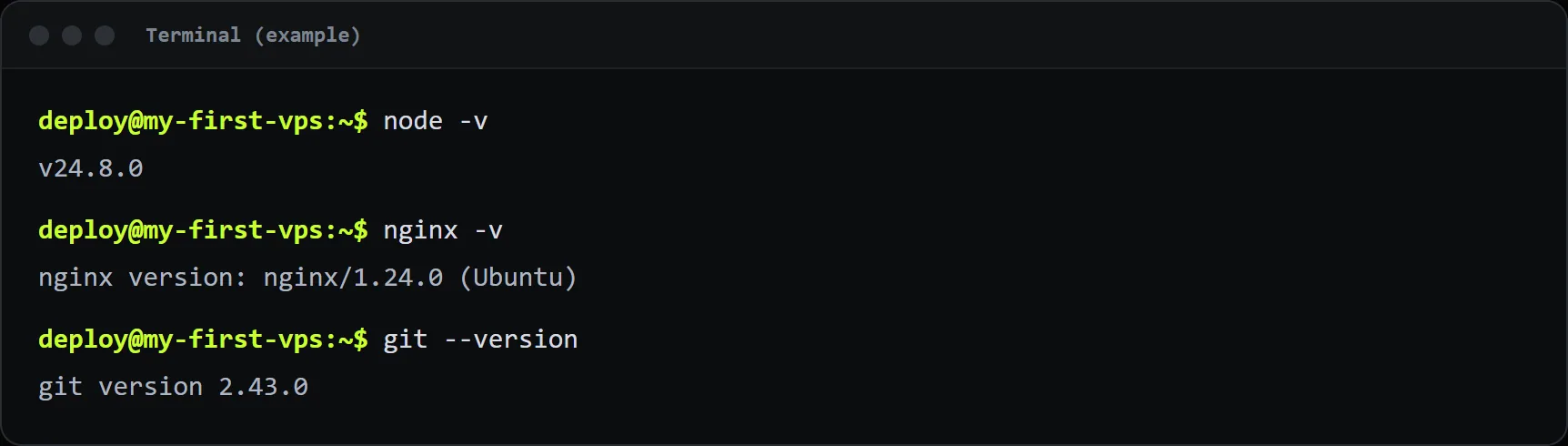
2. Put your app on the server
Clone your repository, or copy the files with scp or rsync:
cd ~
git clone https://github.com/you/my-app.git
cd my-app
npm ci --omit=dev
Start it once by hand to check that it works. Your app should listen on a port such as 3000 and, for safety, only on the local address:
node server.jsIn a second terminal, run curl http://localhost:3000. If you see your page, stop the app with Ctrl+C.
3. Keep it running with PM2
PM2 is a process manager. It restarts your app if it crashes and starts it again after a reboot.
sudo npm install -g pm2
pm2 start server.js --name my-app
pm2 status
Now make PM2 start on boot. Run the command it prints after the next line, then save the process list:
pm2 startup
pm2 save
Useful commands from now on: pm2 logs my-app shows output, pm2 restart my-app restarts it after a code change, and pm2 monit shows live CPU and memory use.
4. Put Nginx in front of the app
Nginx handles port 80 and 443, compresses responses and later adds HTTPS. Create a site file:
sudo nano /etc/nginx/sites-available/my-appAdd this, replacing example.com with your domain:
server {
    listen 80;
    server_name example.com www.example.com;

    location / {
        proxy_pass http://127.0.0.1:3000;
        proxy_http_version 1.1;
        proxy_set_header Host $host;
        proxy_set_header X-Real-IP $remote_addr;
        proxy_set_header X-Forwarded-For $remote_addr;
        proxy_set_header X-Forwarded-Proto $scheme;
    }
}
Enable it, test it and reload Nginx:
sudo ln -s /etc/nginx/sites-available/my-app /etc/nginx/sites-enabled/
sudo rm -f /etc/nginx/sites-enabled/default
sudo nginx -t
sudo systemctl reload nginx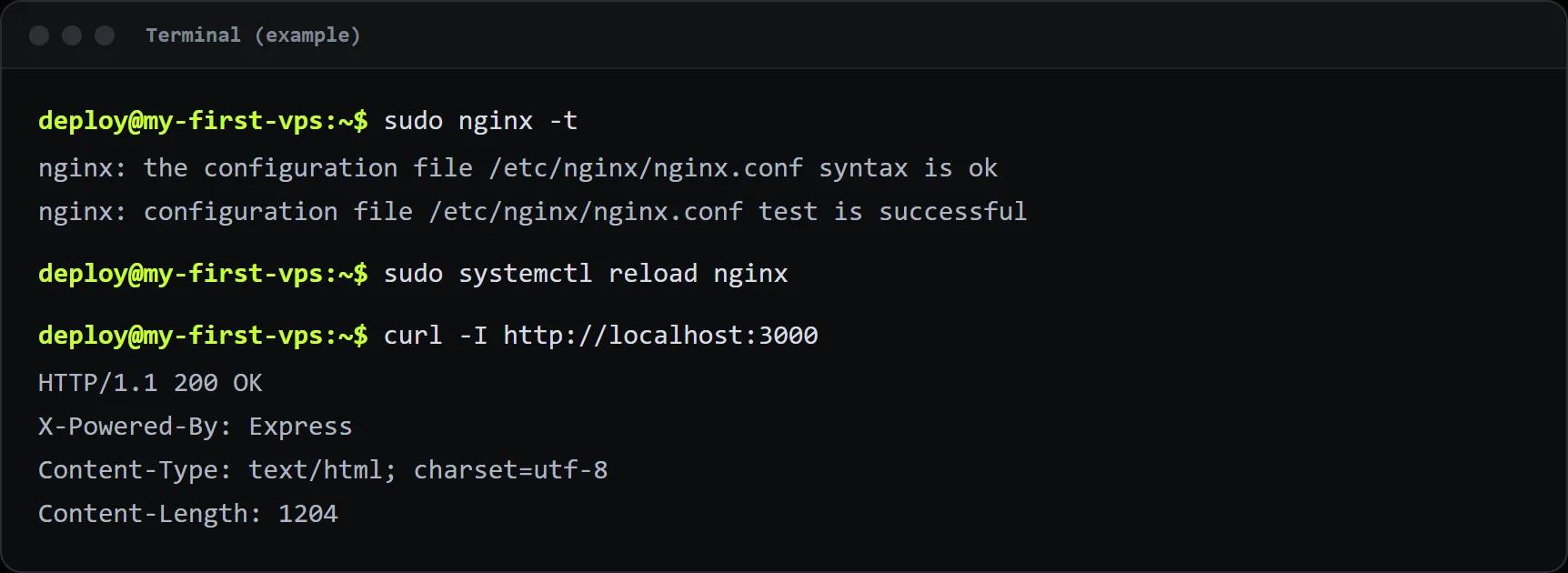
5. Open the firewall and point your domain
If you followed the security guide, allow web traffic with sudo ufw allow 'Nginx Full'. Then point your domain to your VPS with an A record. When the domain reaches the server, add a free SSL certificate.
Tips for a smooth deployment
- Run the app as a normal user, not as root. Put secrets in environment variables or a
.envfile that only that user can read. - Set
NODE_ENV=productionso frameworks skip development-only work. - Deploy in one command. A short script that pulls, installs and runs
pm2 restart my-appsaves time and mistakes. - Watch memory. If the app grows, PM2 can restart it at a limit with
pm2 start server.js --max-memory-restart 300M. - Back up your data. If you use SQLite or uploaded files, copy them off the server on a schedule.
Troubleshooting
- 502 Bad Gateway: Nginx cannot reach your app. Check
pm2 statusand that the port in the Nginx file matches the port your app uses. - The site works by IP but not by name: the DNS record is missing or has not spread yet.
- The app stops after you log out: you started it with
nodeinstead of PM2.