Picking the right size saves money and avoids slowdowns. Too little RAM makes a server swap to disk and crawl. Too much wastes rupees every month. This guide gives realistic starting points and shows how to check what your own server uses.
The plans in short
These are the current cloud VPS plans on AtoZNode. Every plan has NVMe storage, 1 TB of monthly transfer and full root access. See VPS hosting for the latest prices.
- AE01: 1 vCPU, 1 GB RAM, 50 GB NVMe.
- AE02: 2 vCPU, 4 GB RAM, 80 GB NVMe.
- AE04: 4 vCPU, 8 GB RAM, 160 GB NVMe.
- AE08: 8 vCPU, 16 GB RAM, 240 GB NVMe.
- XH32: 32 vCPU, 64 GB RAM, 1 TB NVMe.
What most projects need
These are starting points, not promises. Real needs depend on your code and your traffic.
- A static site or a small blog: 1 GB RAM and 1 vCPU is plenty. Nginx serves static files using very little memory.
- A Node.js, Python or PHP app with a few hundred visitors a day: 1 GB works if you use a light framework. Choose 4 GB if you also run a database on the same server.
- WordPress or a store with a database: 2 to 4 GB. The database and PHP workers use most of the memory.
- A Discord bot or a small API: 1 GB is usually enough.
- A database for a growing app: RAM matters most, because databases run fastest when their working set fits in memory. Start at 8 GB and watch usage.
- Docker with several containers: each container adds memory. Count what each one uses and add 1 GB for the system.
- A game server: follow the game's own advice. Many need 4 to 8 GB and fast single-core speed.
- Builds, video work or machine learning: more vCPUs and RAM, and a dedicated server if it runs all day. See VPS vs dedicated server.
How to measure what you really use
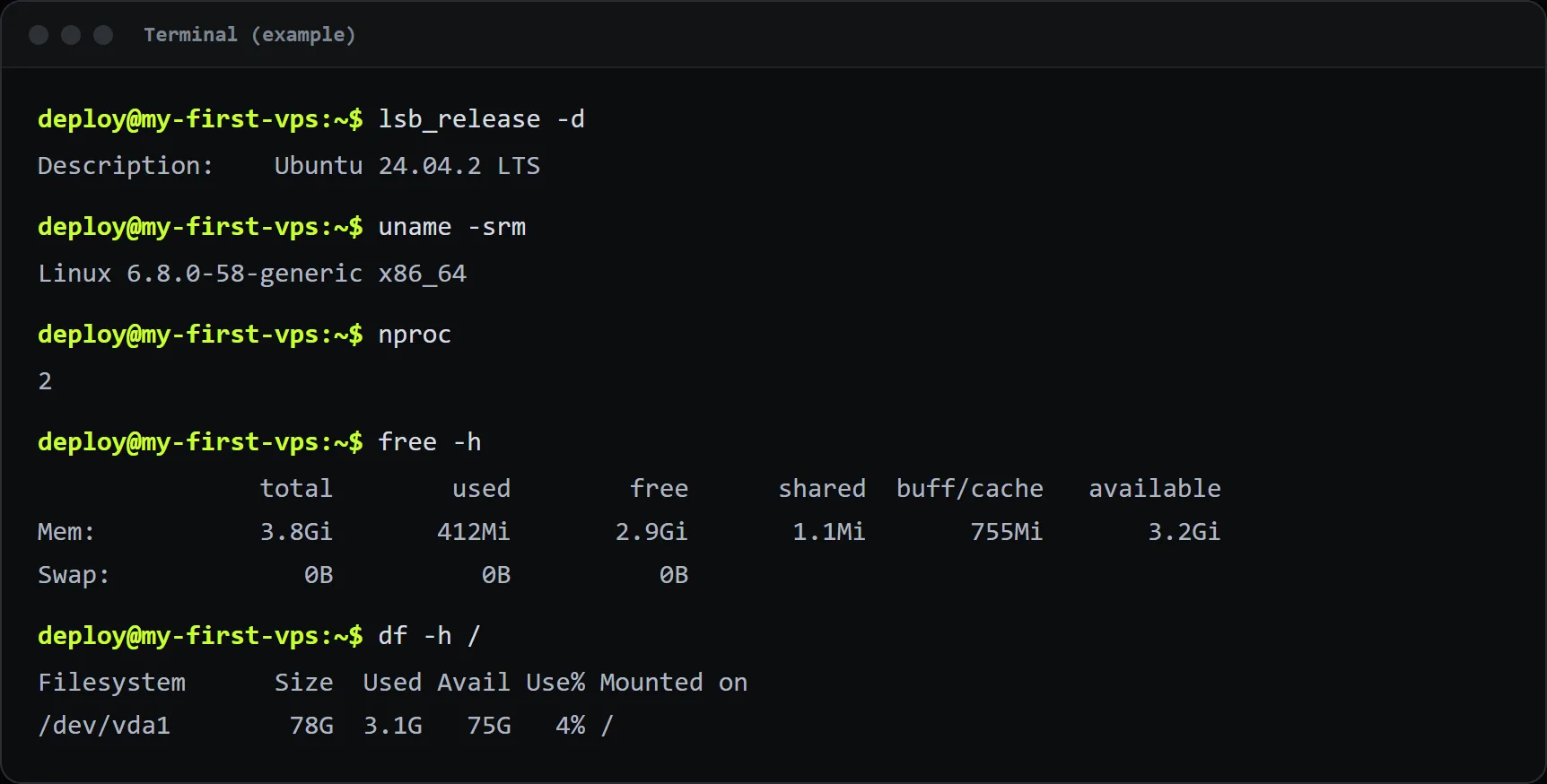
Log in with SSH during a busy period and run these:
free -hLook at the available column. If it is close to zero and swap is in use, you need more RAM.
topPress M to sort by memory and P to sort by CPU. Watch which programs use the most. A load average higher than your vCPU count for long stretches means the CPU is the limit.
df -hThis shows disk space. Log files and databases can grow quietly, so check it now and then.
Signs you need more
- The
availablememory is under 10 percent, or the server is using swap. - The out-of-memory killer stops your app. Check with
sudo dmesg | grep -i "out of memory". - Pages get slow only when several people visit at once, and CPU stays near 100 percent.
- Disk use is above 80 percent.
Save memory before you upgrade
- Use a process manager and a single instance per app instead of many.
- Lower database memory settings that were tuned for bigger machines.
- Add caching so the app does less work on each request.
- Remove services you do not use, such as a mail server or a desktop package.
- Add a small swap file only as a safety net, never as a replacement for RAM.
Upgrading later
Start small. You can move to a bigger plan when the numbers say so. Keep a backup, and contact support when you want a bigger plan so we can help you plan the move. If you outgrow the biggest VPS, ask about a dedicated server.